

How to Convert Notes to PDF for Easy Access Anywhere
Quick notes are great, but they aren’t always convenient. If you’re tired of formatting issues and barriers between Apple and Android, converting your notes to PDF is the best solution. In this article, you’ll learn three quick, easy ways to do this so your files stay accessible and professional on any device.
Author April 23, 2026
April 23, 2026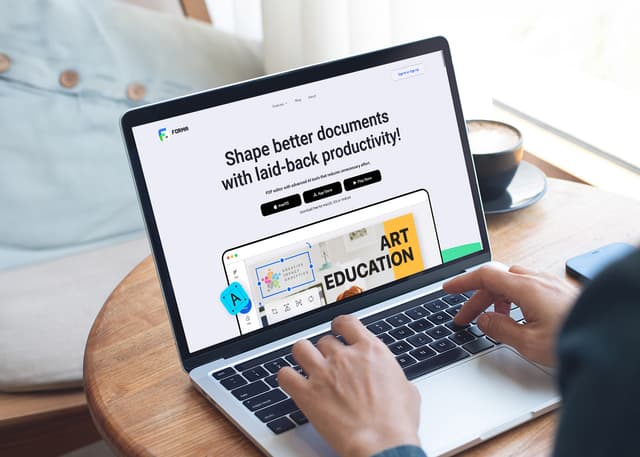
How to Save a Webpage as a PDF: A Guide for Any Platform
Have you ever wished you had saved a webpage before your internet connection slowed down or went offline? URL links are easy and convenient to use and share, but sometimes we need to convert webpages into a different format so we can always have them at hand. In this guide, we’ll cover all the ways to save a webpage as a PDF, including a bonus: a universal method for any smartphone that takes the result to the next level—with a clean layout and the ability to keep your PDF as one seamless file, exactly as you see it while scrolling online.
AI Study Tools: From Passive Reading to Active Learning
Let’s be honest—studying often feels like running in place. You spend hours with a textbook, highlighter in hand, only to blank out during the test. You reread chapters again and again, yet nothing really sticks. Sounds familiar? What if AI study tools could change that?
Discover More

AI Summarizer: How to Make Sense of Long Documents
Have you ever opened a 1,000-page report and felt your brain freeze? Or stared at a pile of research papers and had no idea where to start? With so much information coming at us every day, reading everything is just not realistic. That’s why more and more people are turning to AI summarizers. These smart tools help you cut through the noise and save hours of manual work. And with apps like Forma, getting started is easy.June 1, 2026How to Convert Notes to PDF for Easy Access Anywhere
Quick notes are great, but they aren’t always convenient. If you’re tired of formatting issues and barriers between Apple and Android, converting your notes to PDF is the best solution. In this article, you’ll learn three quick, easy ways to do this so your files stay accessible and professional on any device.April 23, 2026
AI Study Tools: From Passive Reading to Active Learning
Let’s be honest—studying often feels like running in place. You spend hours with a textbook, highlighter in hand, only to blank out during the test. You reread chapters again and again, yet nothing really sticks. Sounds familiar? What if AI study tools could change that?April 8, 2026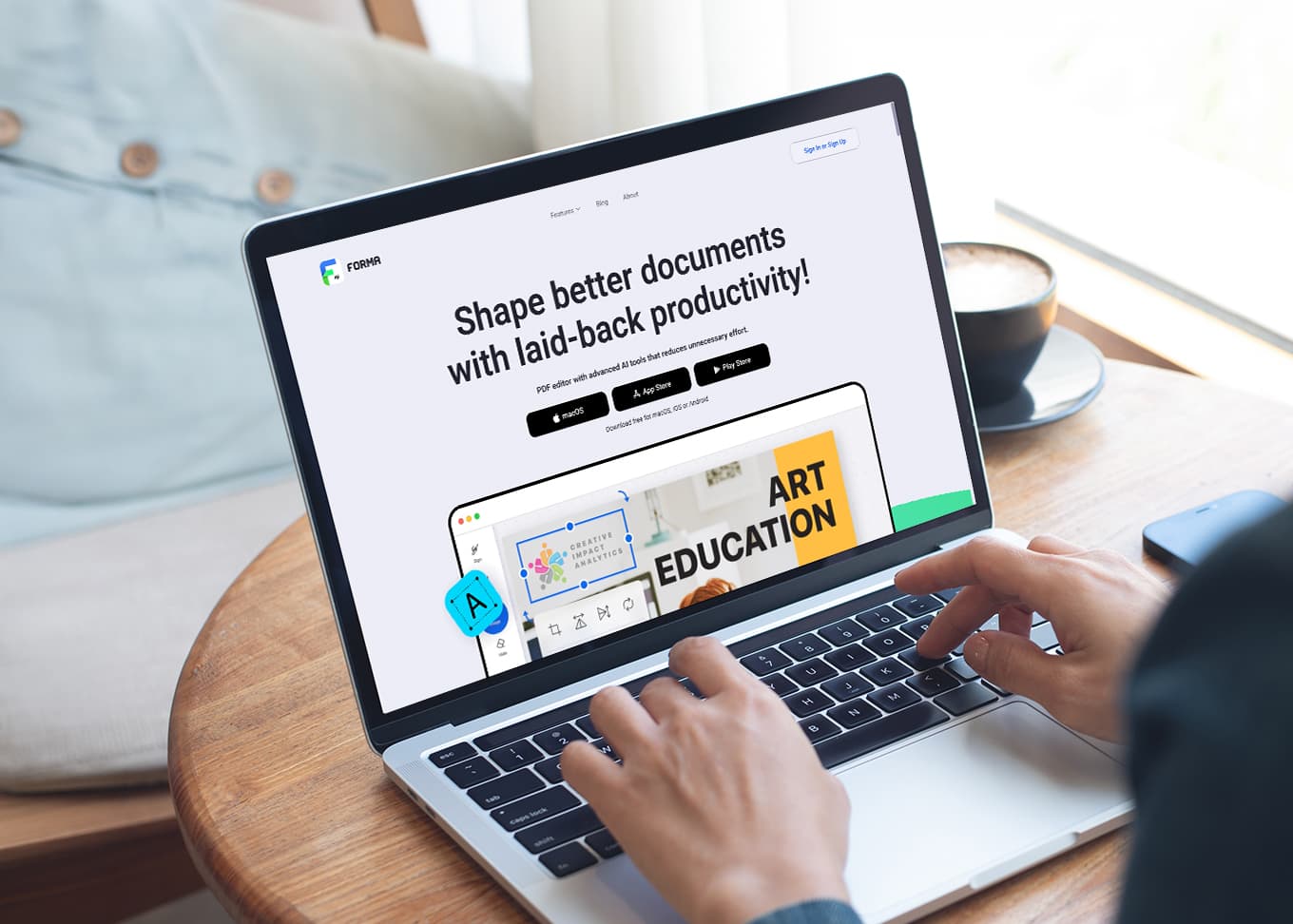
How to Save a Webpage as a PDF: A Guide for Any Platform
Have you ever wished you had saved a webpage before your internet connection slowed down or went offline? URL links are easy and convenient to use and share, but sometimes we need to convert webpages into a different format so we can always have them at hand. In this guide, we’ll cover all the ways to save a webpage as a PDF, including a bonus: a universal method for any smartphone that takes the result to the next level—with a clean layout and the ability to keep your PDF as one seamless file, exactly as you see it while scrolling online.March 11, 2026
AI for Work: How to Do More in Less Time (and with Less Effort)
Artificial intelligence is no longer futuristic. We use it to find the most delicious pasta recipe, plan holidays abroad, search for a movie to watch, or count the calories in our daily meals. But what if we used AI for work as well? The good news is that we already can, and we can do it efficiently. Let’s find out how.February 18, 2026
What Is an OCR PDF Reader and Why Do You Need It?
Digital documents may be tricky to work with. Some of them look like regular files, but you can’t edit them, search within them, or even copy a single sentence. Does that mean you have to retype everything from scratch? Luckily, there’s a much simpler solution: an OCR PDF reader. This function turns scanned pages and images into editable, searchable files, so you can copy text, make updates, fix typos, or reuse content instead of starting over every time.January 26, 2026