
Shape better documents with laid-back productivity!

Everything you need for document editing

Merge
Combine multiple documents into a single file with just a few clicks.

Split
Easily break large documents into separate, smaller files.

Rotate
Adjust the orientation of any page or document as needed.

Convert
Quickly change file formats to suit your needs—PDF to Word, JPG to PDF, and more.

Add image
Insert images seamlessly into your document to enhance its visual appeal.

Share as a link
Generate a shareable link to allow others to access your document online.

Extract
Select and extract specific pages from your document.

Modify text
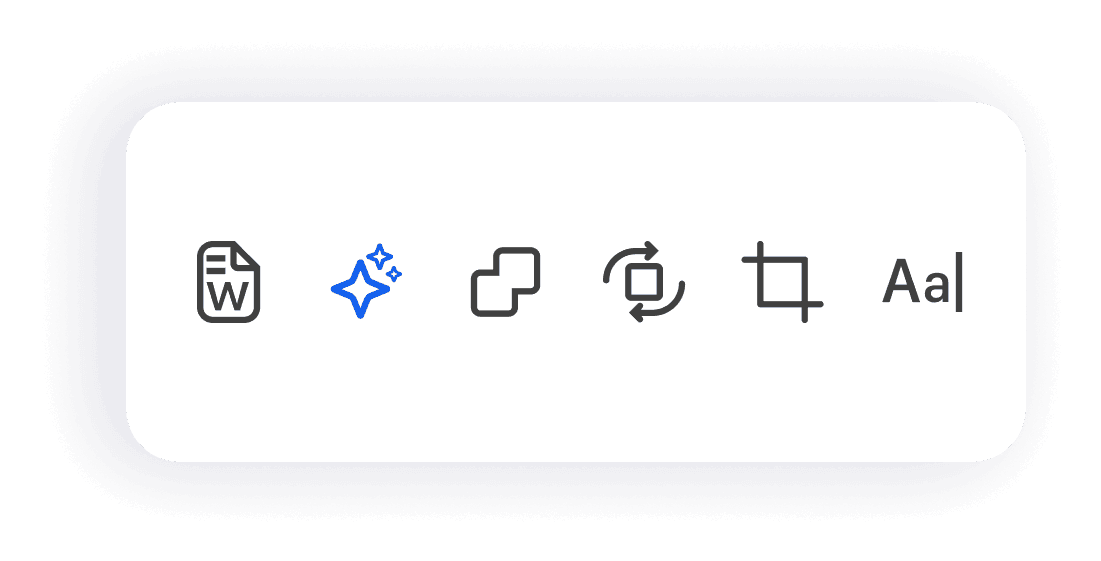
Edit and update text within your document, keeping the integrity of the layout.

Compress
Reduce file sizes without sacrificing quality to make sharing easier.

Add page numbers
Number your pages for easy navigation and reference.

Highlight
Mark important sections of text with easy-to-use highlighting tools.

Add notes
Include personal or collaborative notes directly within your document.

Fill in forms
Complete any forms, including applications, surveys, and agreements, directly in the app. Fill them out automatically.

Drag-and-drop
Use the simple drag-and-drop interface to reorder pages or add new elements.

Add footers
Insert customized footers to include additional information on each page.




A reliable and efficient way
to work with PDFs



Hacks for your productive laziness
Blog


Your questions, answered
How to fill in forms in the Forma app?
Filling in forms with Forma is super easy! You can type in your information directly or take advantage of our handy auto-fill feature to quickly complete forms using your saved data. It’s designed to save you time and hassle!
How to use AI for PDF?
Using AI in Forma is a breeze! Our AI text generator can help you automate tasks like filling out forms and composing text. Just select the AI feature in the app, and let it assist you in creating and editing your documents.
What exactly does an AI PDF Editor do?
Forma’s AI PDF Editor makes managing your documents easier than ever. It automates tasks such as form filling, text generation, and content extraction, allowing you to edit and organize your PDFs with ease and efficiency.
How to change text on PDF?
Changing text in a PDF with Forma is quick and simple! Just open your document, select the text editing tool, click on the text you want to change, and type in your new content. Your updates will be saved directly in the document!
How to generate documents with AI?
You can create documents with the AI document generator in Forma by selecting a template or starting from scratch. The AI feature will help you create text on any topic, making it super easy to draft emails, CVs, or any other documents in no time!