
How to Create an AI Resume That Gets You Noticed
Think of AI like your career co-pilot. It transforms the way you create, edit, and refine your resume, making the process faster, smarter, and way less stressful. In this guide, we’re diving into how you can create an AI resume that’s polished, professional, and, most importantly, tailored to land that dream gig.
Whether you’re starting from scratch or upgrading an old CV, these tips will have you job-ready in no time. So grab a coffee (or matcha—no judgment here), and let’s walk through these practical steps.
1 Create a Resume from Scratch
If you’re starting with a blank slate, AI is like your artistic muse. It can take your vague career dreams and turn them into a concrete, professional AI resume. All you need to do is provide some details—your experience, desired job role, and industry—and the tool takes it from there.
Whether you’re an entry-level graduate or transitioning careers, AI can frame your transferable skills perfectly. And if you’re advanced, it’ll highlight leadership roles and quantifiable wins like a pro.
Example prompt:
“Create a professional resume for a Sales Manager at mid-level. Include sections that cover experience, education, certifications, and skills. Focus on measurable results and an engaging tone.”
With tools like Forma’s AI resume builder, you can draft a resume from scratch in a snap. Simply plug in details like your desired job title, experience level, and boom—you’ve got a solid draft ready to go.
2 Strengthen Your Old Resume
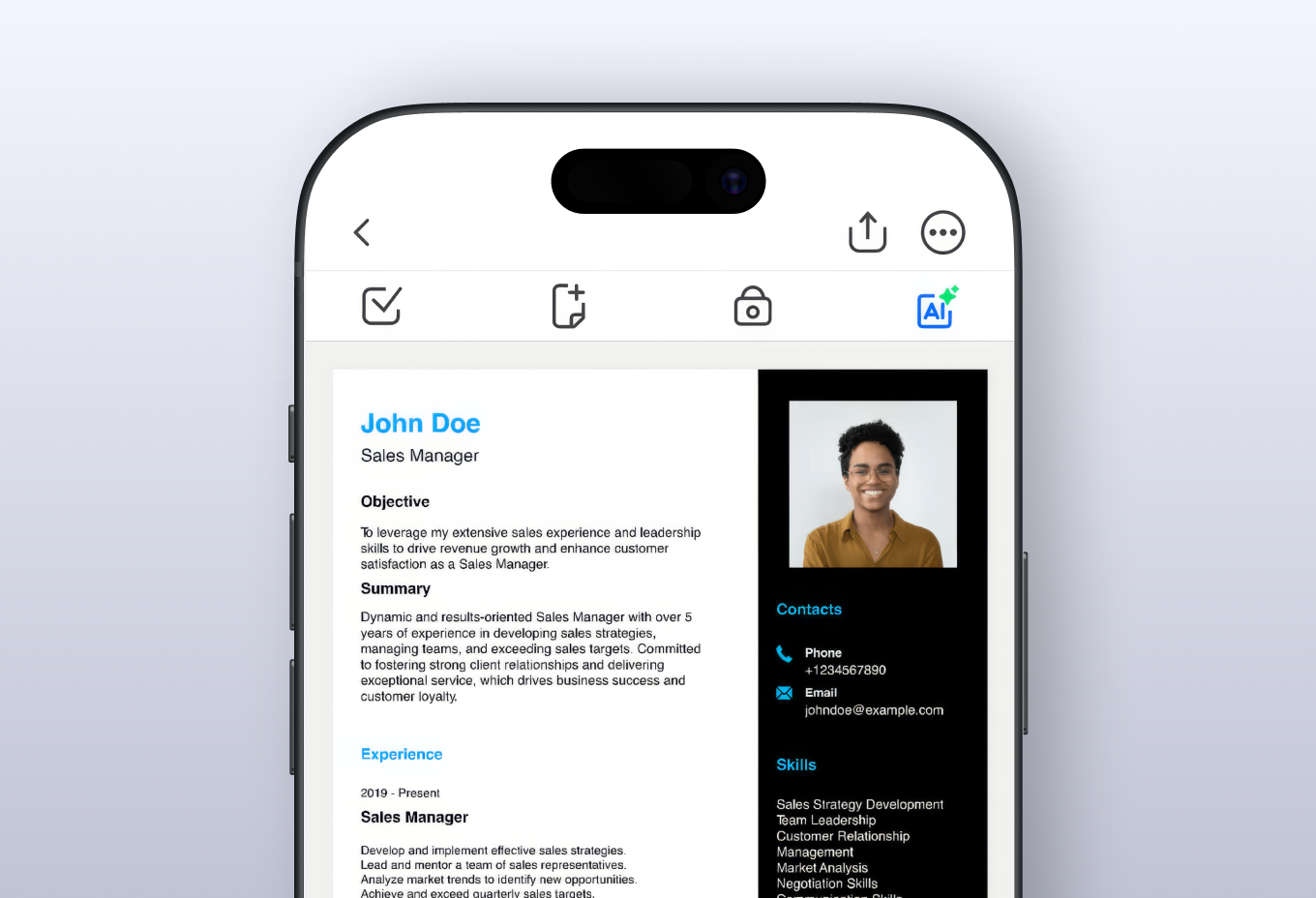
Already have a resume? Great—you’re halfway there! But here’s the thing: even a decent resume can benefit from a glow-up, especially when you’re competing against a sea of equally talented applicants. This is where an AI text generator can step in, acting like your personal resume coach, editor, and cheerleader, all rolled into one. And with Forma, you can store and edit all your previous resumes in one place, even if you’ve lost the original file and only have the PDF.
Well, let’s take a look at several ways of how to use AI for resume improvement:
Adding keywords
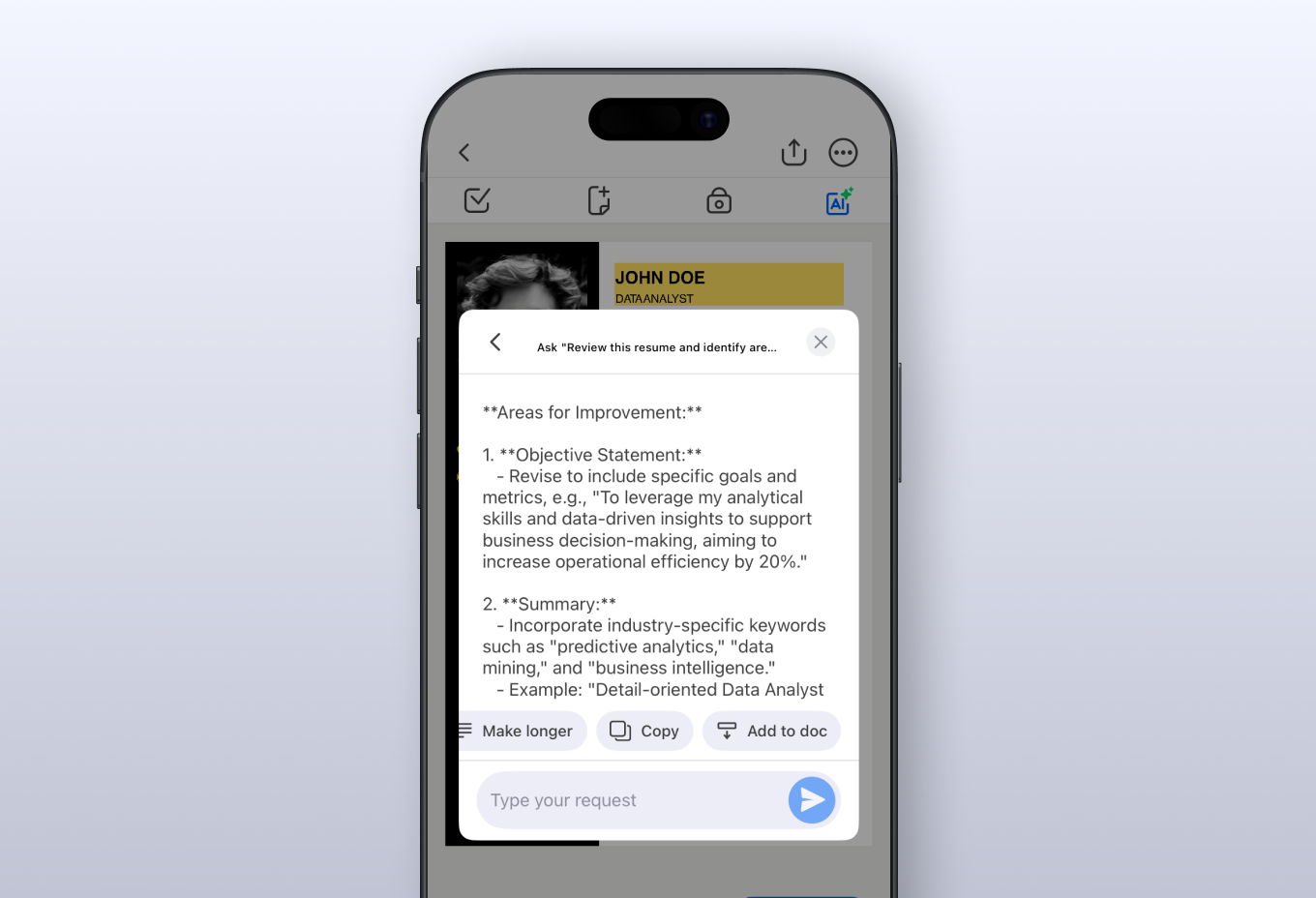
In today’s job market, keywords are king. More and more companies now rely on Applicant Tracking Systems (ATS) to screen resumes for specific phrases. If your resume doesn’t have the right lingo, it might not even reach a human recruiter. AI tools can scan your resume alongside a job description to ensure you’re speaking the same language as your potential employer.
Example prompt:
“Review this resume and identify areas to improve. Add industry-specific keywords and optimize it for ATS to align with the job description of a Data Analyst. Address skill gaps with transferable or soft skills where necessary. Rewrite bullet points to emphasize measurable achievements.”
Filling skill gaps
Say you’re applying for a tech job, but your resume lacks coding-related keywords. Turn to your favorite AI documents generator, and it can quickly identify these gaps and recommend ways to address them. Maybe you’ve done project management that involved some level of coding, or you’ve completed an online course—AI can help you frame those experiences effectively.
Example prompt:
“Reframe a career gap of 2 years to highlight freelance projects, personal development, or transferable skills gained during that time. Ensure it aligns with the job description for a UX Designer role.”
Rewriting weak bullet points
AI can also transform boring, generic bullet points into achievements that pack a punch. Let’s say your current resume says something like this: “Managed multiple social media accounts.”
Meh. An AI text generator can reframe it to something like: “Increased engagement across five social media platforms by 35% in six months through targeted content strategies.”
Example prompt:
“Rewrite these experience bullet points to include quantifiable outcomes. If metrics are missing, infer reasonable estimates based on the context provided.”
Matching your resume to job descriptions
Imagine you’ve found your dream job, but you’re not sure how your resume measures up. AI tools can analyze the job description and provide suggestions for aligning your experience with the role. They’ll even recommend phrasing tweaks to better match industry expectations.
Example prompt:
“Analyze this job description for a Marketing Manager role and recommend ways to tailor my resume. Suggest new keywords, highlight relevant skills, and revise bullet points to align with listed responsibilities.”
Extracting achievements
Maybe your LinkedIn profile or portfolio is packed with accomplishments, but they’re not reflected in your resume. AI can analyze this information and extract the juiciest, most relevant details to include in your AI resume.
Example prompt:
“Extract key skills and accomplishments from my LinkedIn profile and structure them into a resume format. Focus on measurable achievements and ensure alignment with a Senior Graphic Designer role.”
Treat AI like your personal resume coach—always ready with actionable advice to keep you competitive. If this “coach” is a user-friendly mobile app like Forma, you can upgrade your resume with ease, even when away from your computer.
3 Boost Your Resume’s Appeal
You might have the right content, but does it look sharp? AI tools can help here, too. On one hand, they can summarize decades of your experience into a concise, readable format. Got a five-page resume? They’ll distill it into a sleek one- or two-pager without losing the impact. On the other hand, an AI documents generator can reformat your resume, so it has clean fonts, readable layouts, and just the right touch of flair.
Example prompt:
“Reformat this resume to make it more visually appealing and concise. Add an engaging professional summary and organize sections for clarity.”
4 Proofread Your Resume
Let’s be honest: nothing shouts “unprofessional” like a typo. AI proofreading tools are lifesavers when it comes to catching grammar, spelling, or punctuation errors. They ensure your resume is polished to perfection.
Example prompt:
“Proofread this resume for errors and suggest improvements for clarity and alignment with industry standards for a Project Manager role.”
Think of AI here as your brutally honest but kind friend—it’ll point out the flaws and help you fix them before anyone else notices.
5 Prepare for Resume Feedback
Once your AI resume is ready, the next step is getting feedback. But what if you could anticipate questions or critiques beforehand? That’s where an AI documents generator can come in handy.
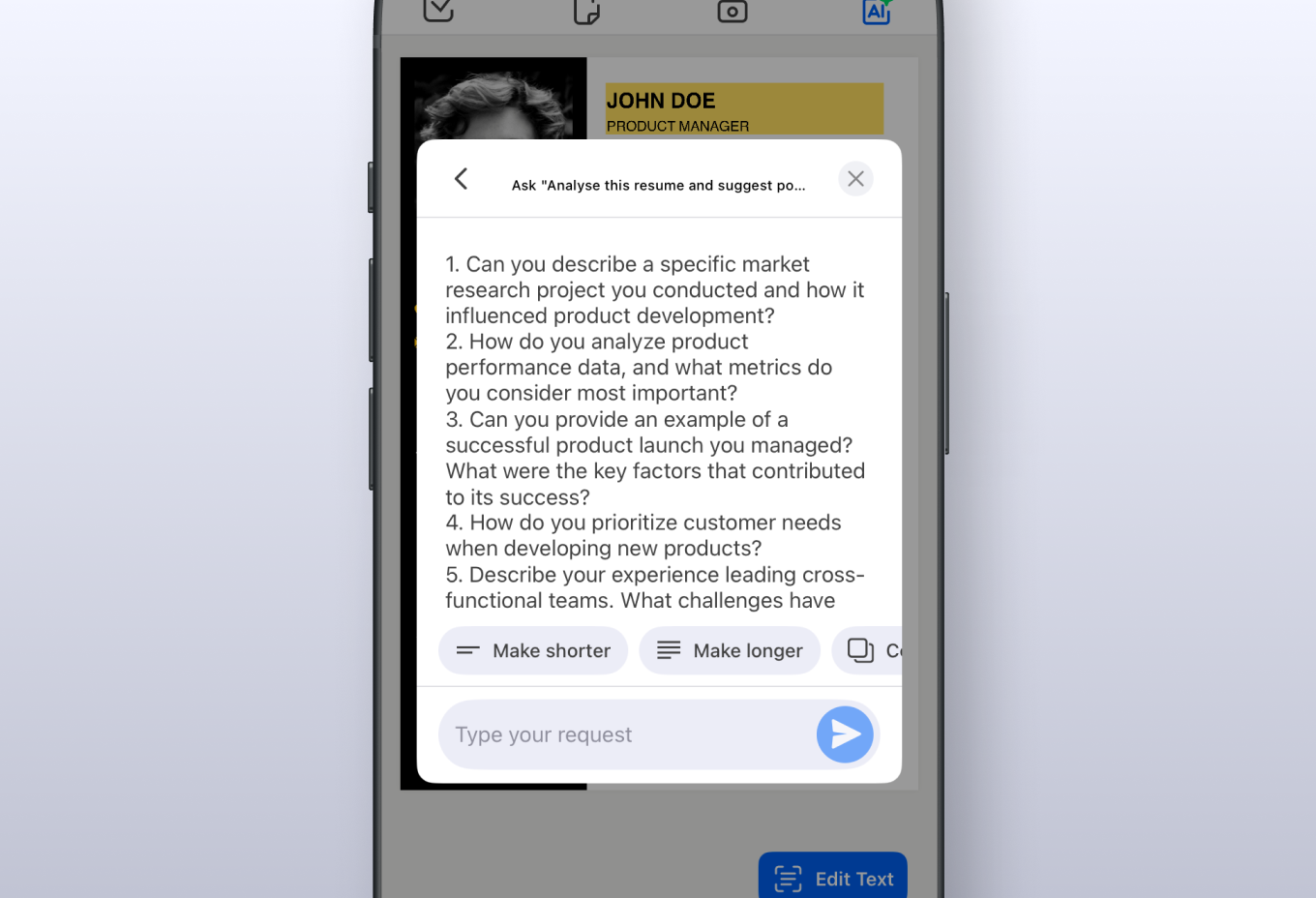
Smart tools can simulate common interview questions based on your resume, helping you refine your pitch. Plus, they can suggest tweaks to your resume based on potential gaps recruiters might question.
Example prompt:
“Analyze this resume and suggest potential interview questions a recruiter might ask based on my experience as a Product Manager.”
And don’t forget the cover letter! Many AI tools, including Forma, can help you create personalized, tailored cover letters to pair with your polished resume.
Example prompt:
“Draft a compelling cover letter for a Digital Marketing Specialist role that highlights my creativity and results-oriented approach.”
6 Why an AI Resume Work
Here’s the magic: an AI resume isn’t just about automation—it’s about precision. They help you highlight your strengths, address weaknesses, and tailor every aspect of your application to what employers are looking for. With tools like Forma, you can not only build an exceptional resume but also create a matching cover letter and plan for skill-building based on the roles you’re targeting.